Agentic commerce content platform for multi-brand retail
Complete catalog.
Campaigns from it.
Every product complete
Every image on-brand
From the files you already have
Stop shooting the long tail
Start completing it
Not a DAM
A catalog that knows what it is missing,
and fills it under your brands' rules
Connect the storage and the storefront you already run, read-only. Genie shows which product is missing which shot under its brand's rules, generates the gaps from the product's own photo, and waits for your team to approve every image. Approved images become campaign packs at every size, in both languages.
Read-only access. Files are never moved or renamed.

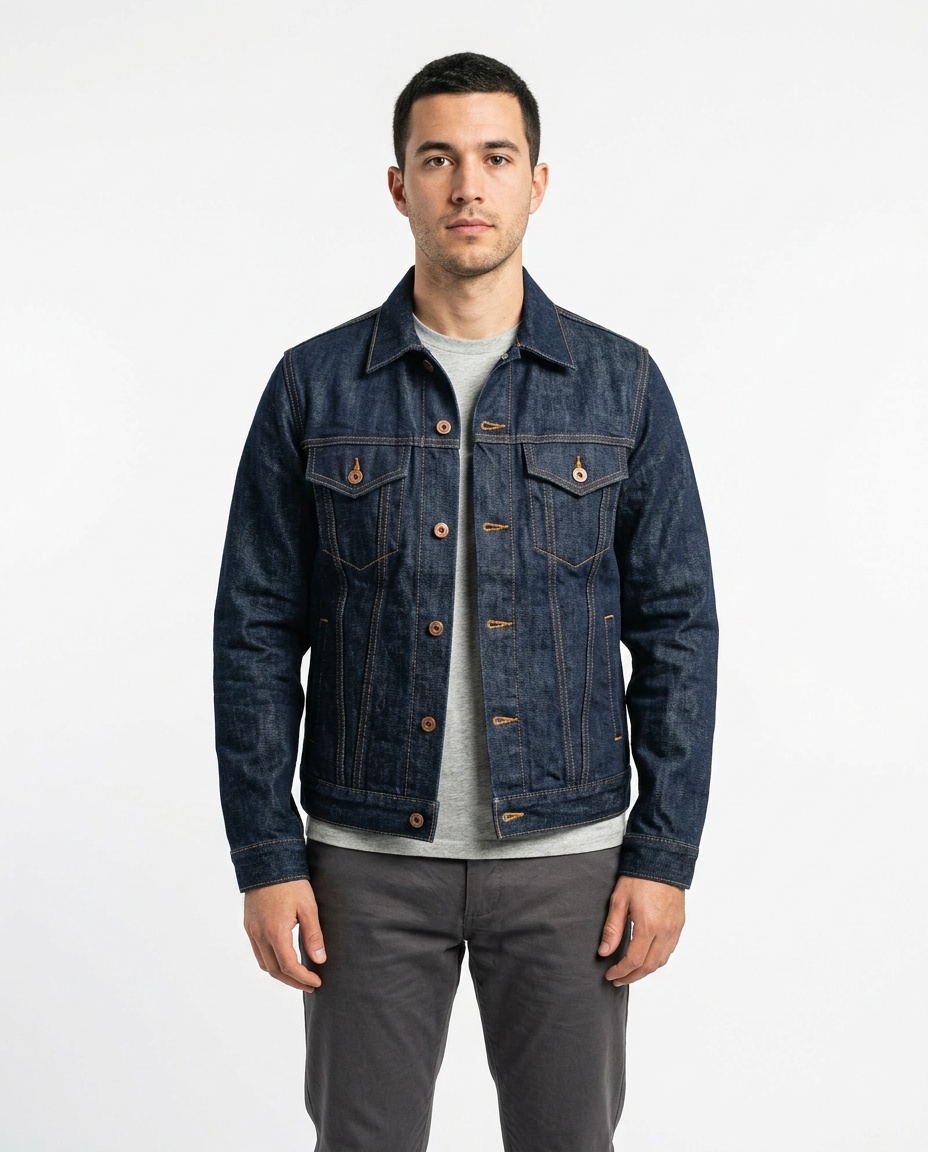
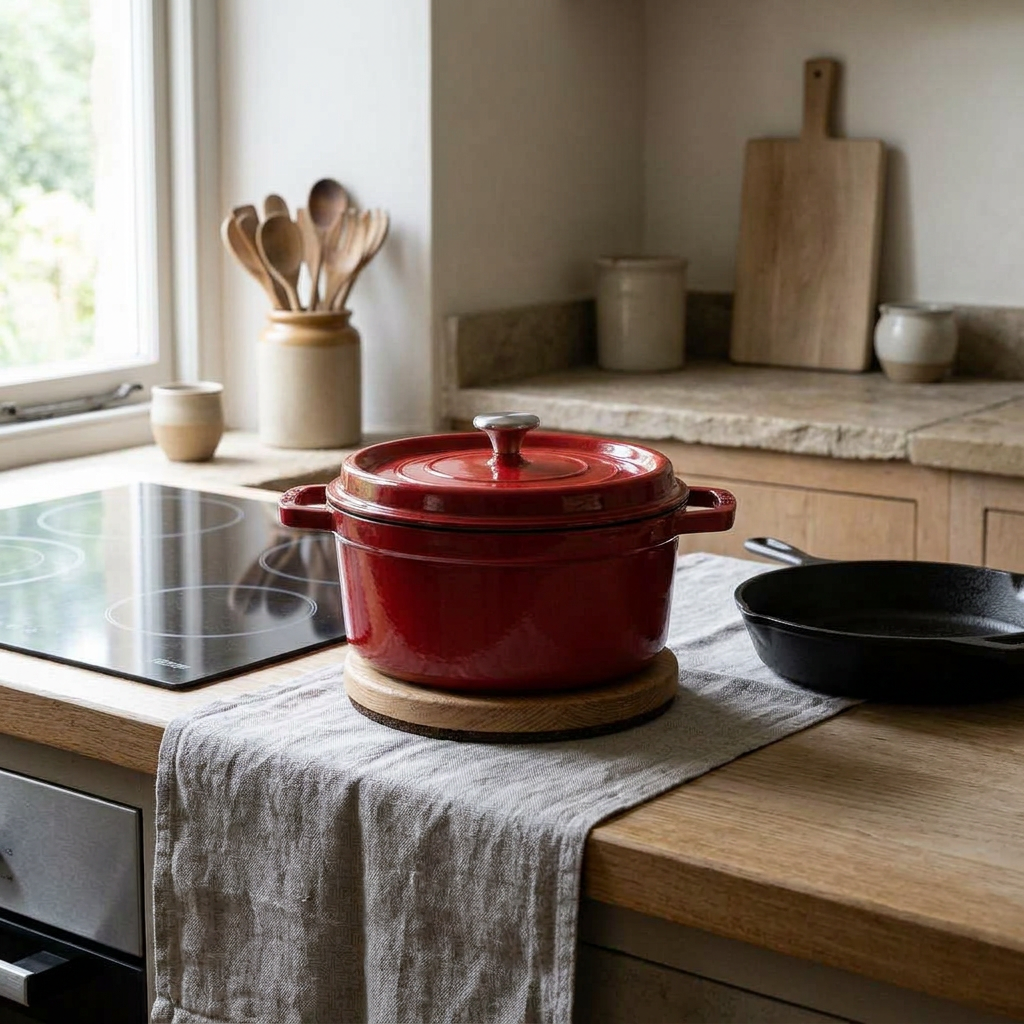



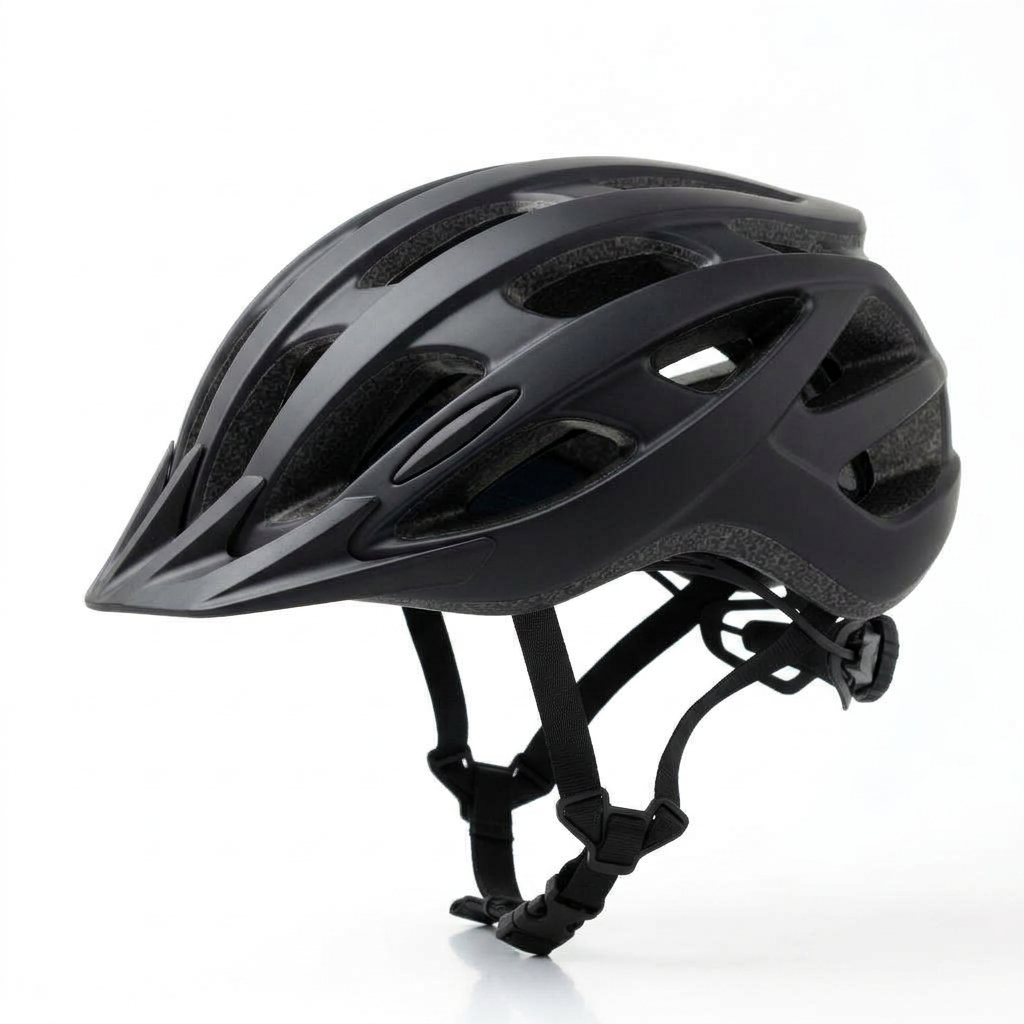
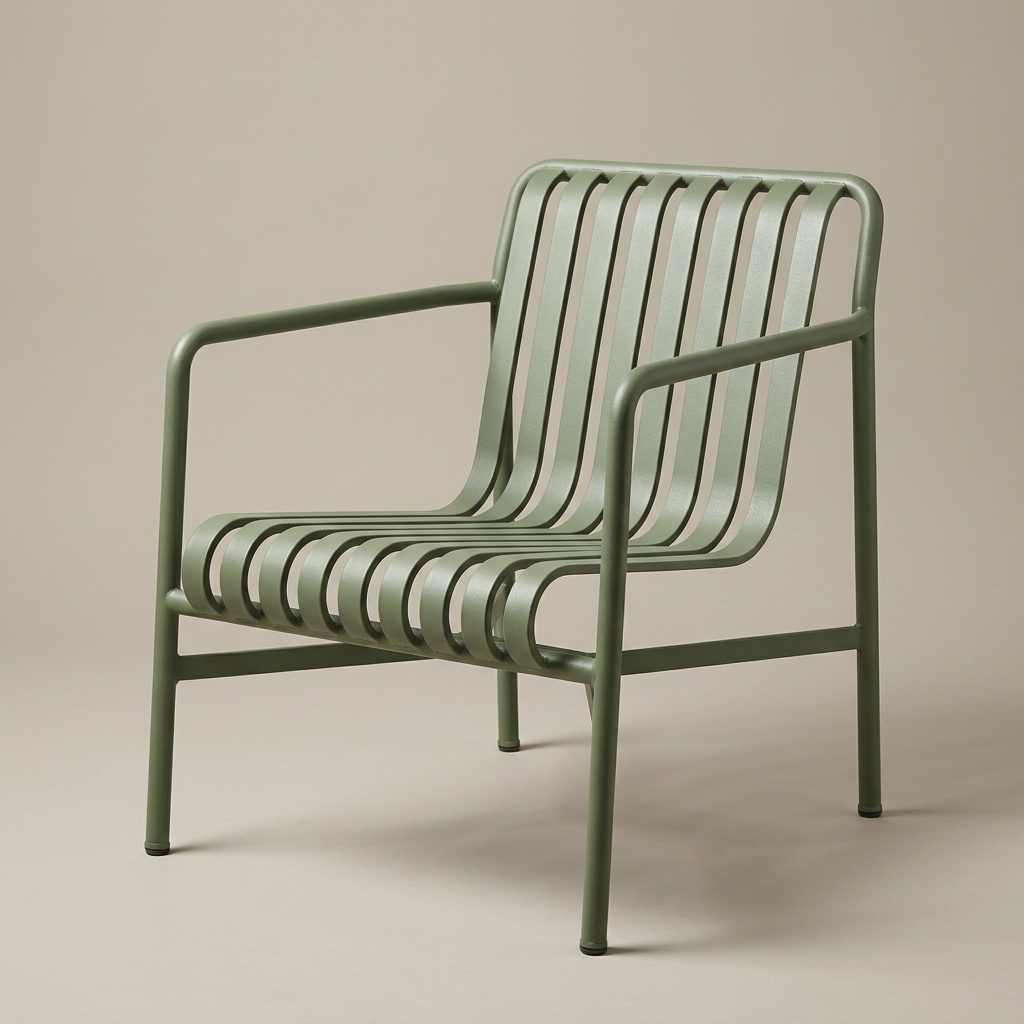

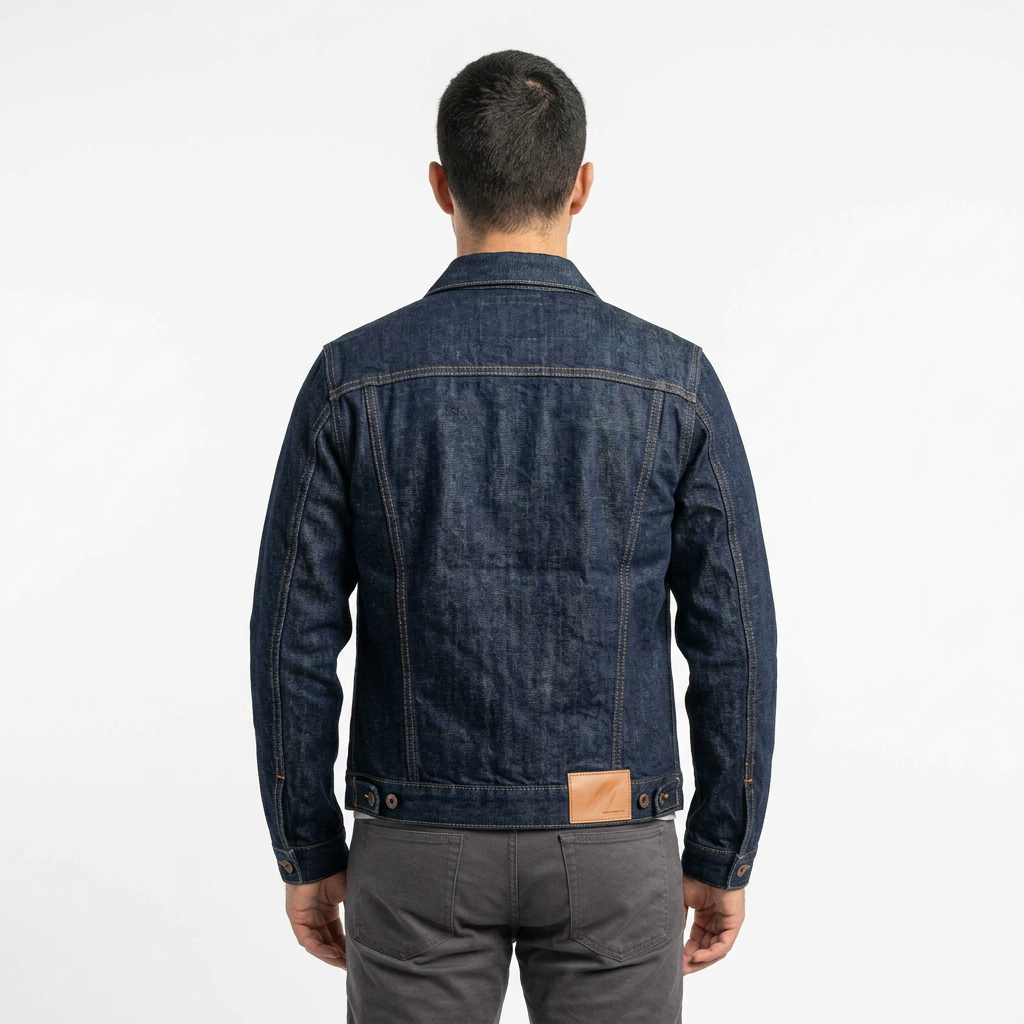
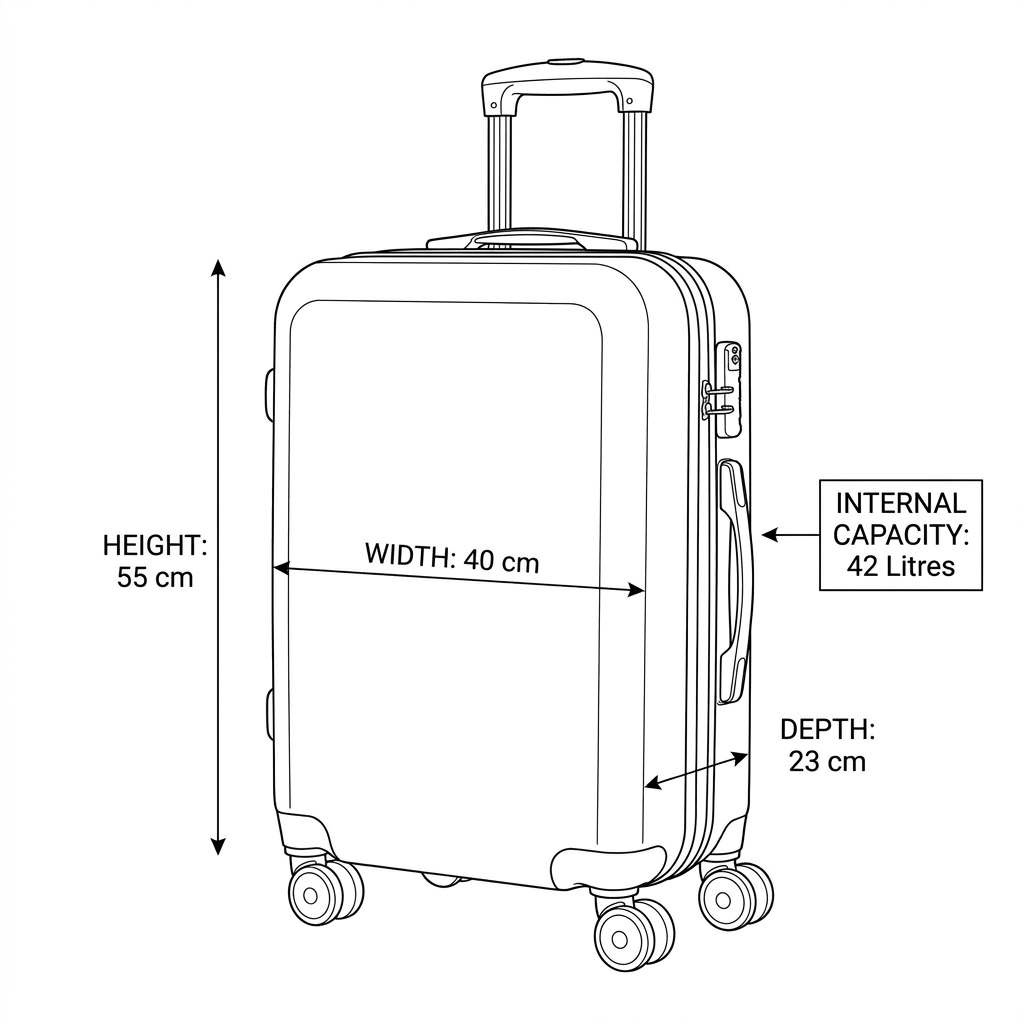
Alder & Vale · demo organization · product images generated from each supplier's own photo · campaign creatives rendered per size · approved in the Studio unless marked pending
Agentic commerce content platform for multi-brand retail
Complete catalog.
Campaigns from it.
Every product complete
Every image on-brand
From the files you already have
Stop shooting the long tail
Start completing it
Not a DAM
A catalog that knows what it is missing,
and fills it under your brands' rules
Connect the storage and the storefront you already run, read-only. Genie shows which product is missing which shot under its brand's rules, generates the gaps from the product's own photo, and waits for your team to approve every image. Approved images become campaign packs at every size, in both languages.
Read-only access. Files are never moved or renamed.
Alder & Vale · TV-LNG-0612 · Solvik sun lounger – Sage · Terravik · demo organization
Forty suppliers, forty naming conventions, one spreadsheet that is wrong by Tuesday
Every supplier ships assets in its own folders, with its own filenames, angles and backgrounds. Nobody can say what the store actually has for a given SKU without opening folders, so "complete" means "has one image". A studio cannot reach the long tail, generic AI invents the product, and a DAM does not know what a SKU is missing, so the real system of record is a spreadsheet, wrong the day after it is built.
Connect · Map · Fill · Approve
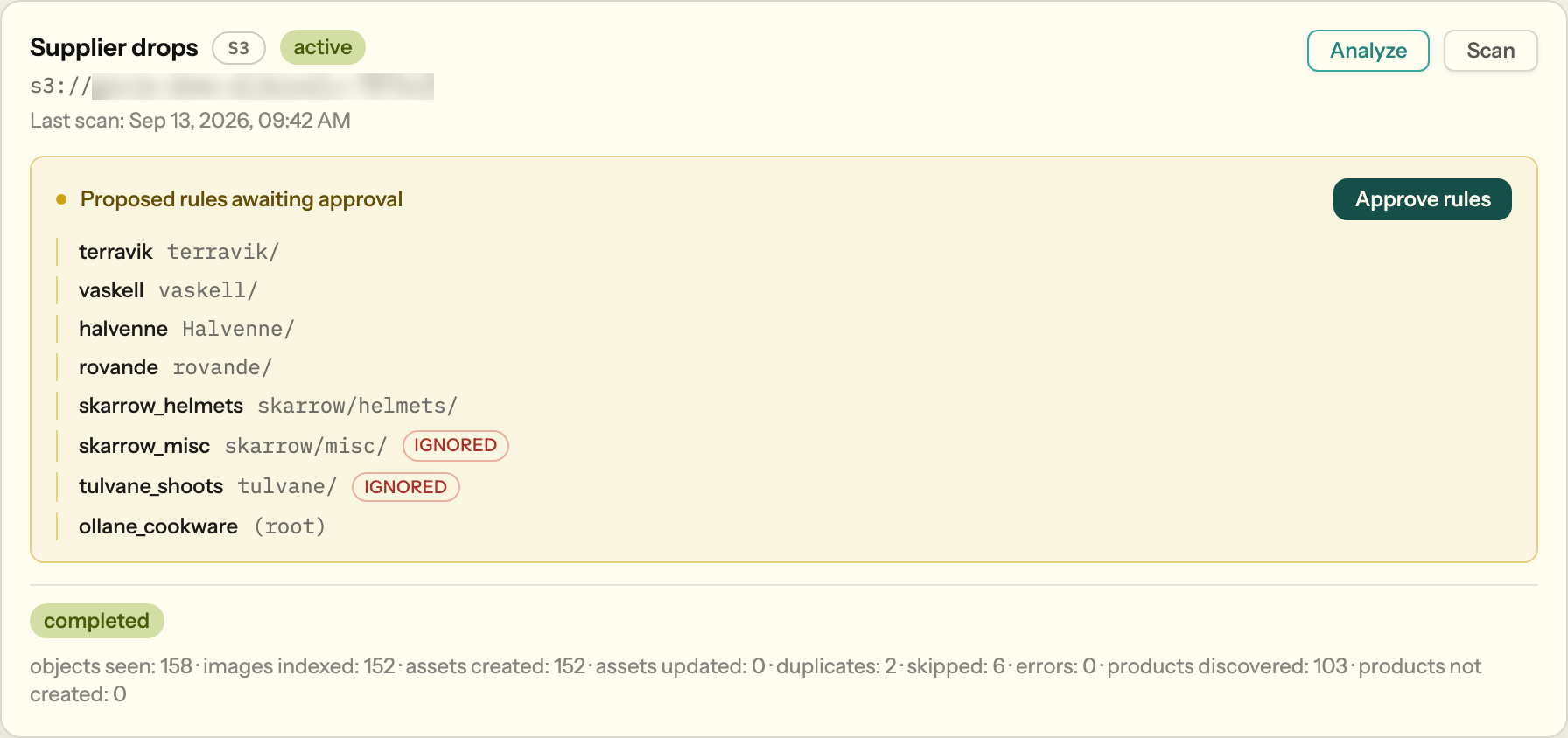
1 · Connect
Point Genie at your storage or a storefront URL, read-only. An analyst agent proposes your naming rules; you approve once.
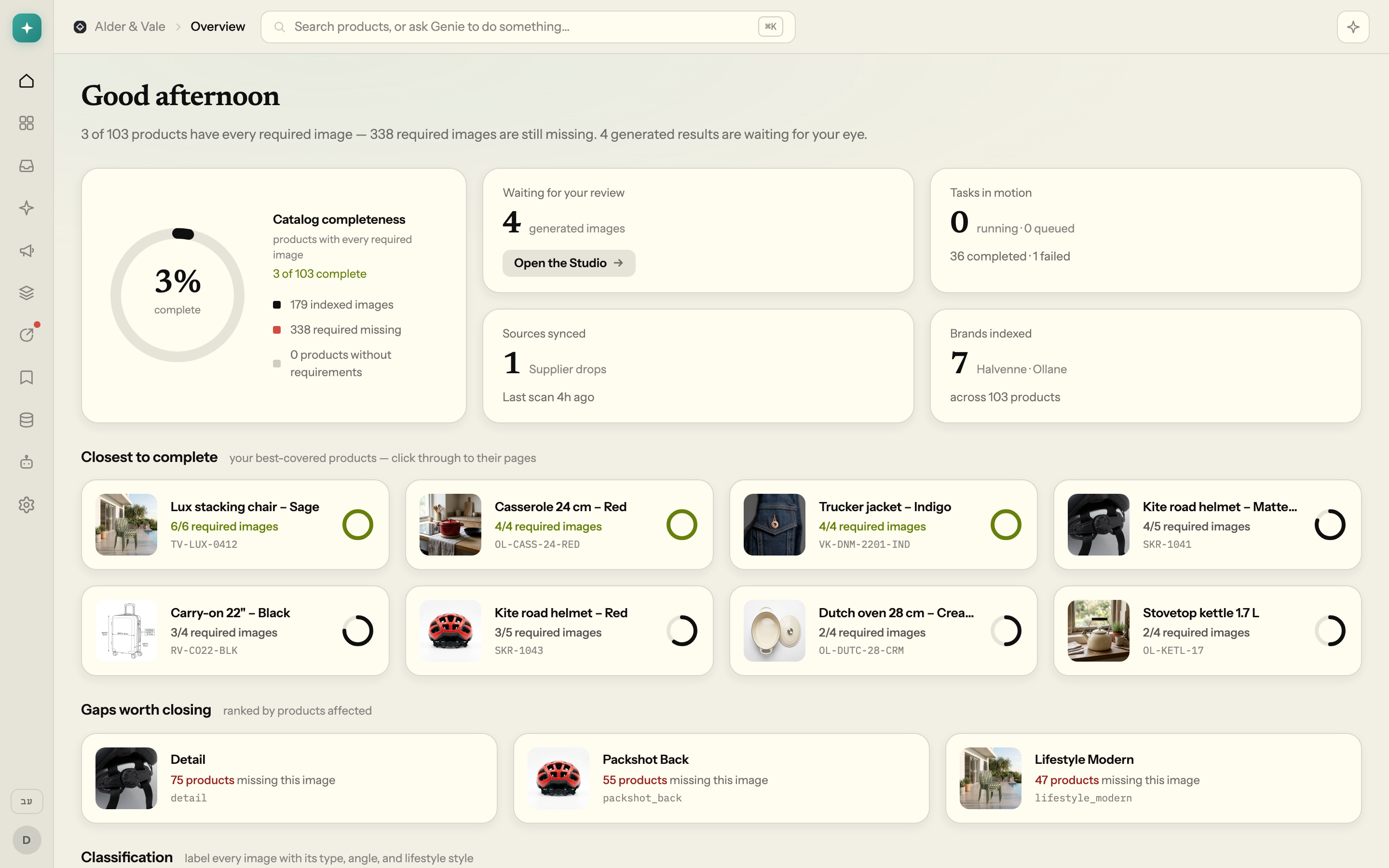
2 · Map
Every image is tied to a SKU with a confidence score, labelled by shot type and angle, and counted against the shots its brand requires.
3 · Fill
Missing shots are generated from the product's own packshot under the brand's versioned rules. Forbidden operations are blocked before anything is paid for.
4 · Approve
Vision QA scores each output, your reviewer approves it in the Studio, and every asset keeps its full lineage.

It knows what every SKU is missing
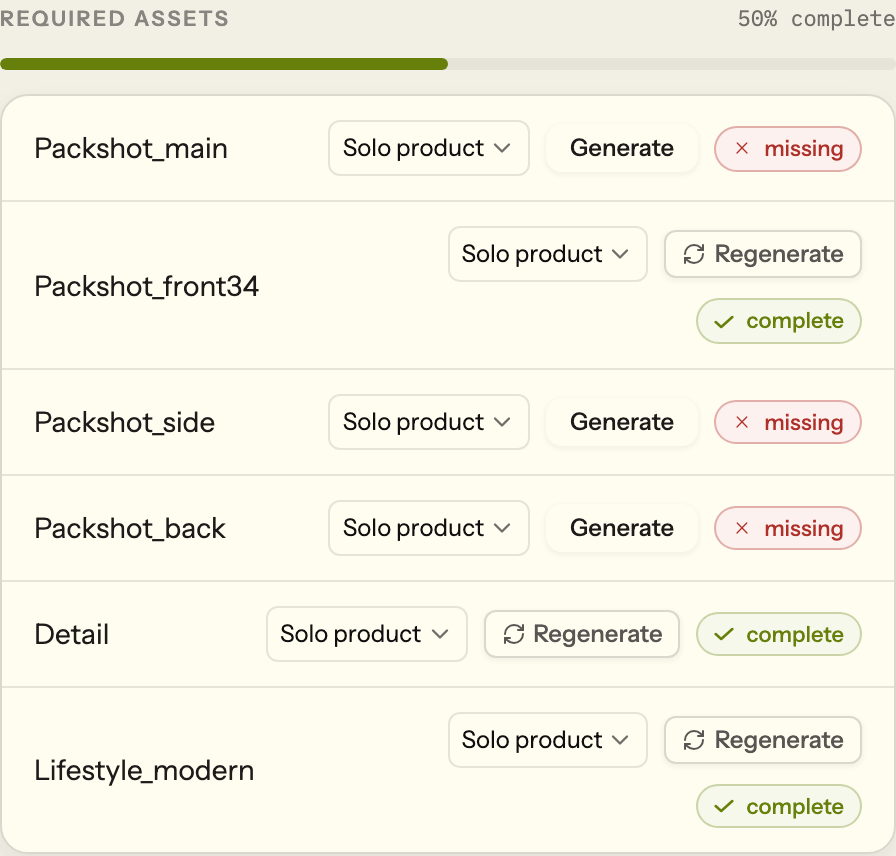
Matching is scored from evidence — filename, folder, brand — so every link between an image and a SKU carries a confidence and a reason. Vision classification labels shot type and angle, so "has a packshot" becomes "has the back three-quarter". Required shots are defined per organization, brand, category or product, and five required angles means five distinct images, counted for real.

Upload the brand book, get enforceable rules
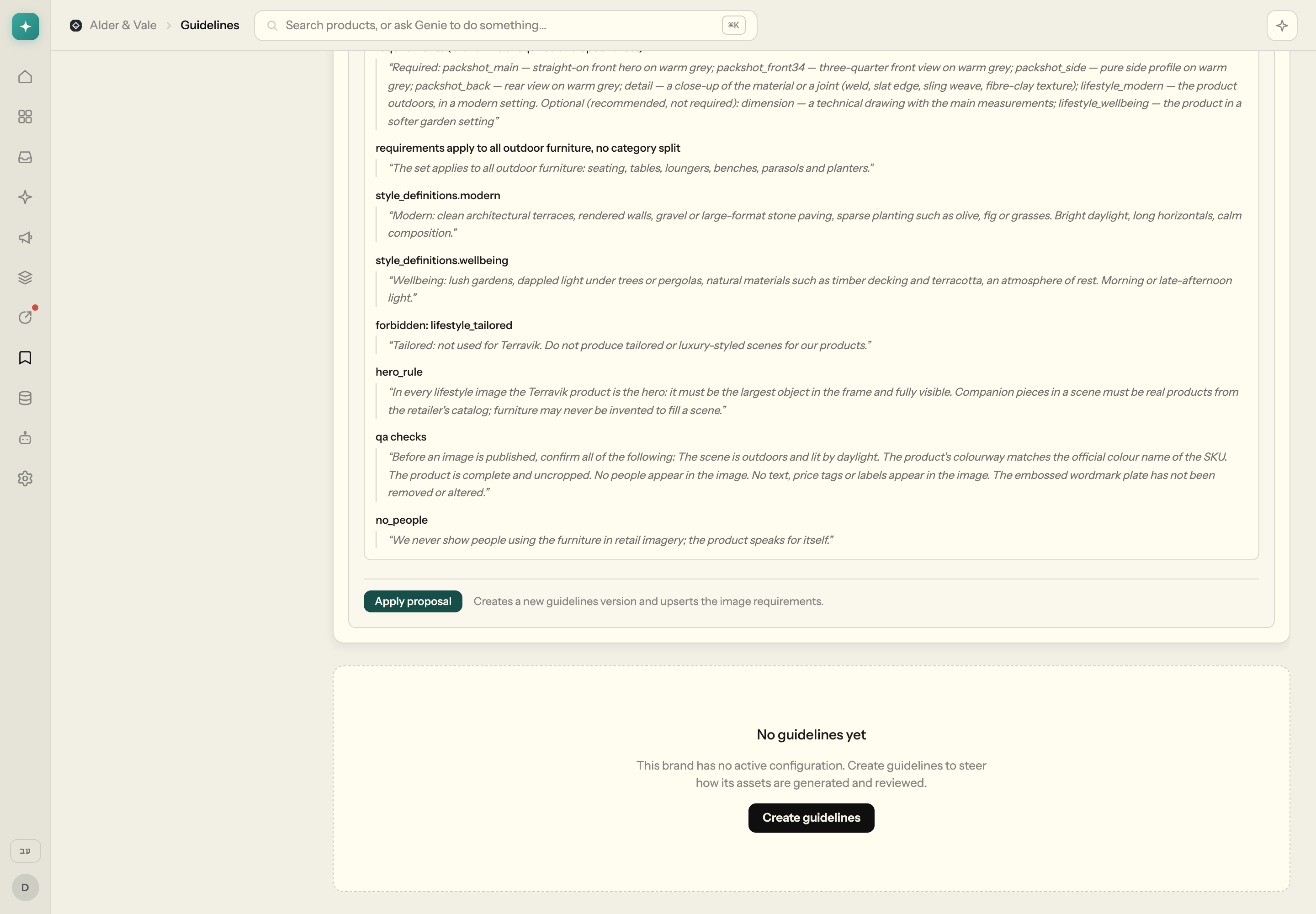
An agent reads the brand book and proposes generation rules, QA checks, forbidden operations and the required shots per category, quoting the sentence each rule came from. Nothing changes until a person applies the proposal; every apply creates a new, immutable version, and every generated image records the version it ran under. Forbidden operations are blocked before a single image is paid for.
Generated from the product's own photo, never invented
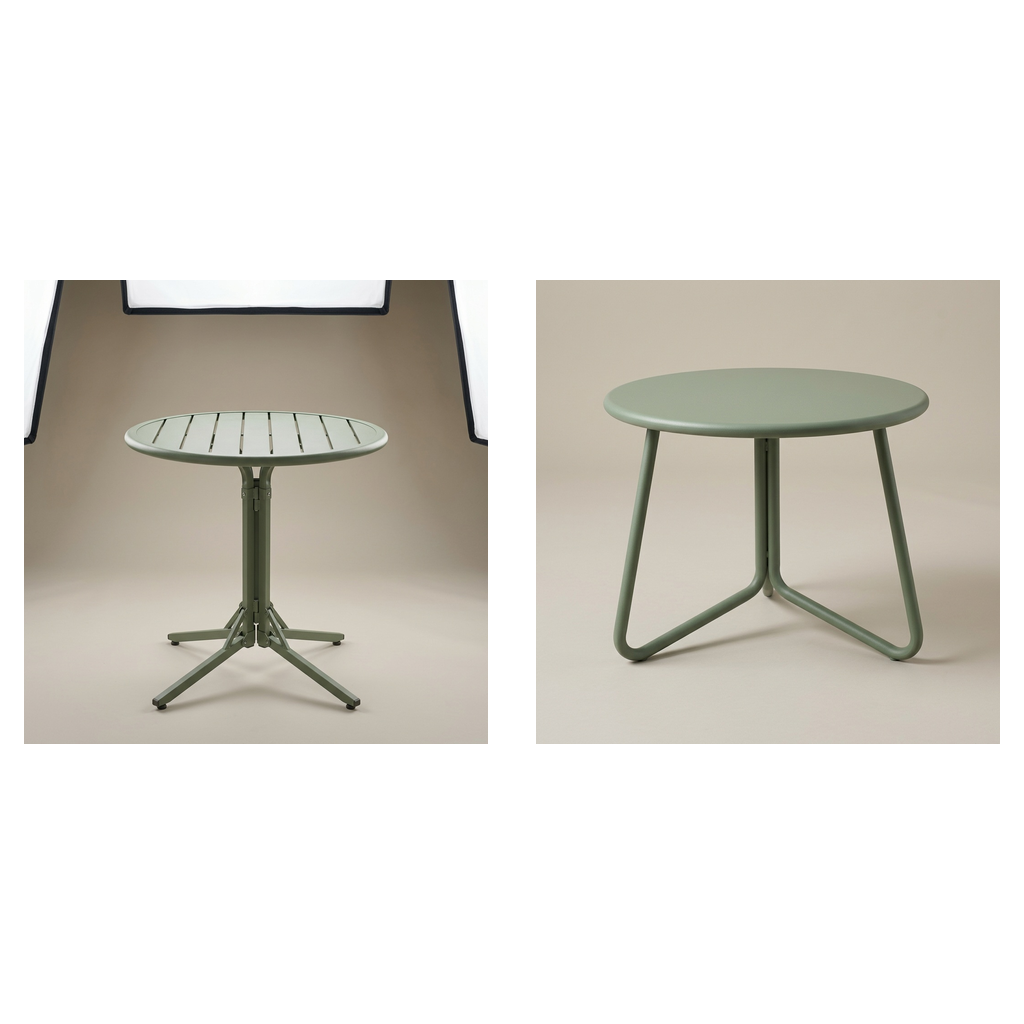
Every generation is an edit of the product's own reference image, not a prompt from nothing, so the product stays exactly as shot. Scenes are solo by default or staged with companions from your own catalog: never invented furniture, never a competitor's chair. One approved image is recomposed into every format you need, re-framed by the model, never stretched or cropped.

Only products from your catalog
Nothing goes live without you
Vision QA checks product fidelity, the requested shot type, generation artifacts and the brand's own rules, so reviewers see a verdict with reasons, not just a picture. Outputs wait as pending review and stay out of your completeness number until a person approves them. Tune the model, prompt or references and regenerate from the card; every asset records who approved it, from which references, under which rule version.
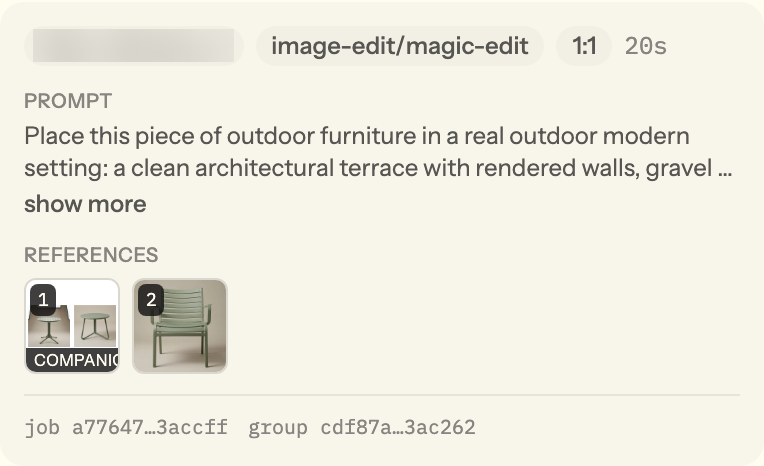
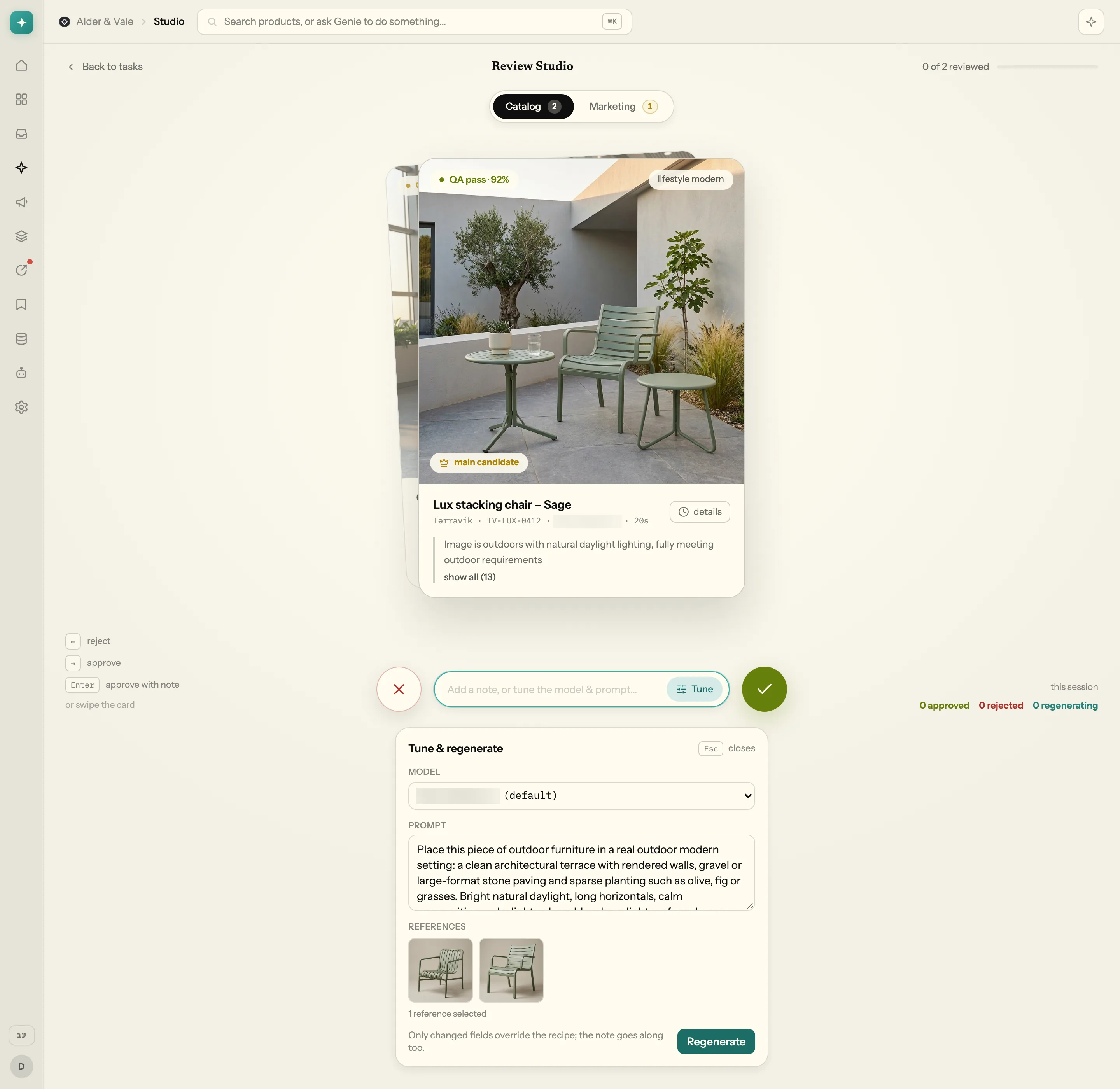
refs 2 · rules v1 · approved

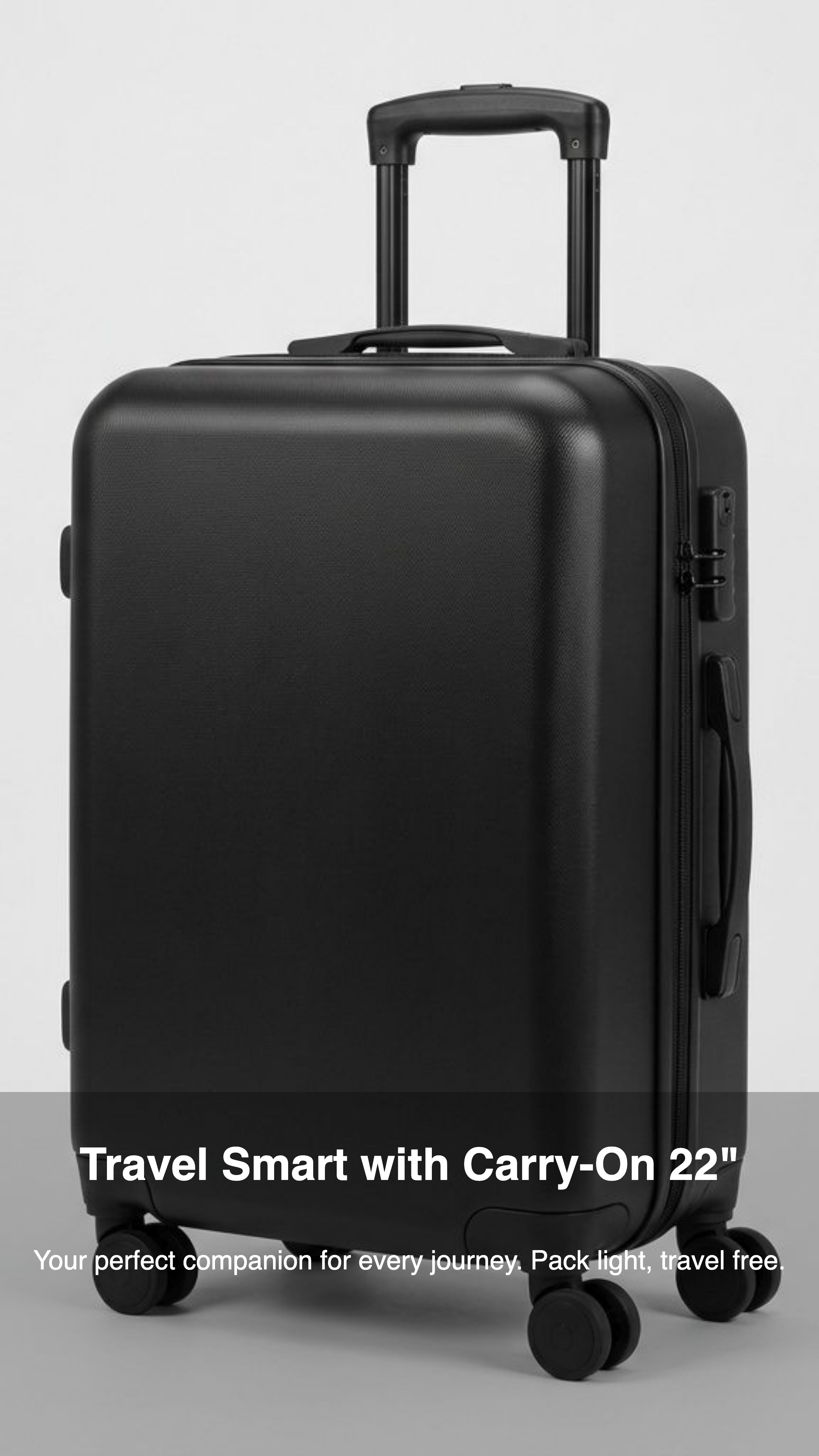
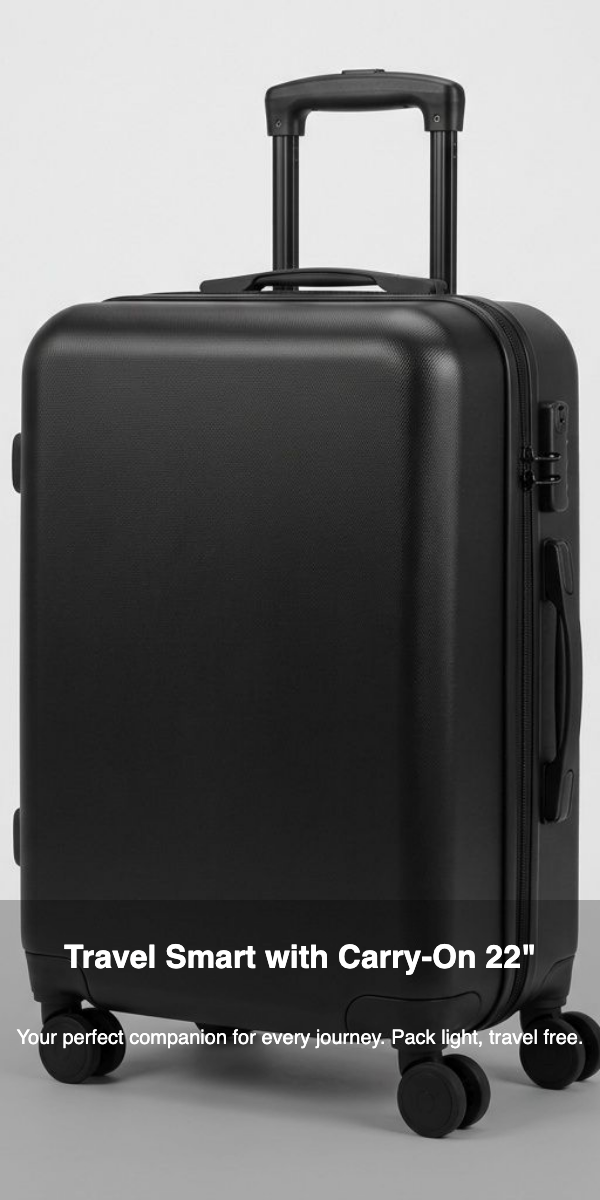

Rovande · RV-CO22-BLK · one component, rendered per size · pending review
From approved images to a campaign pack — every size, both languages
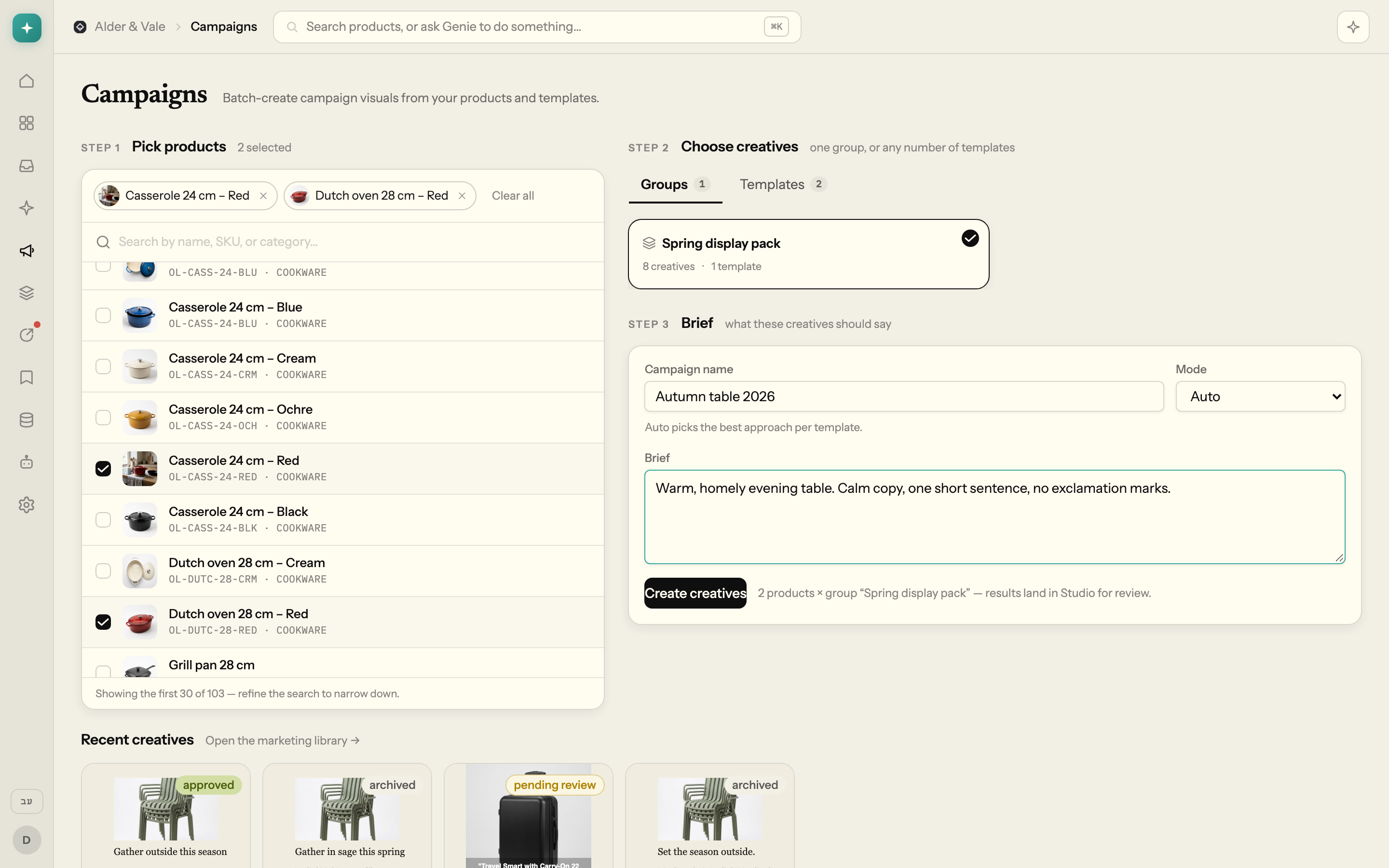
Paste the HTML of a banner you already run, or upload your formats spec, and it becomes reusable templates and campaign recipes. Pick products, pick a recipe, write a brief; every deliverable is re-rendered at every size in its format family and queued for review, so nothing ships unseen. Copy is written in your language with proper right-to-left layout and composed onto the image, never painted into it. Short UGC-style product videos are in early access: the presenter is described in the prompt, and the reference is the raw product photo.
Different shelves, same discipline
Five fictional suppliers from the demo catalog: the shot list configured for each category, and what Genie produced from the one or two photos the supplier sent.
{{ tab.meta }}
{{ tab.scenario }}
Arrived from the supplier
After Genie
{{ tab.line }}
Say it in plain language, approve a costed plan
The planner queries your live catalog and returns a plan with an estimated cost and time per image; only your approval turns it into work. Mention products with @SKU, answer once whether scenes are solo or staged with companions, and write in English or Hebrew. It replies in the language you write.
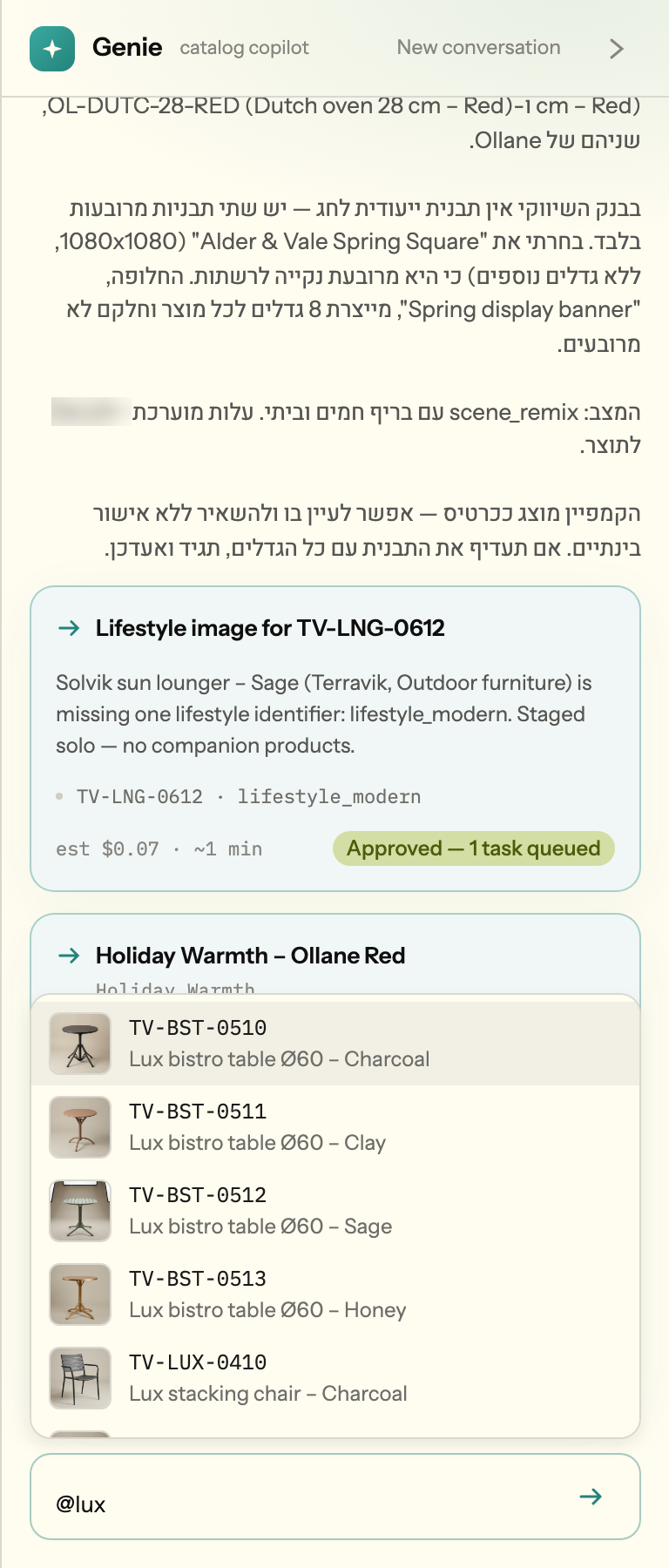
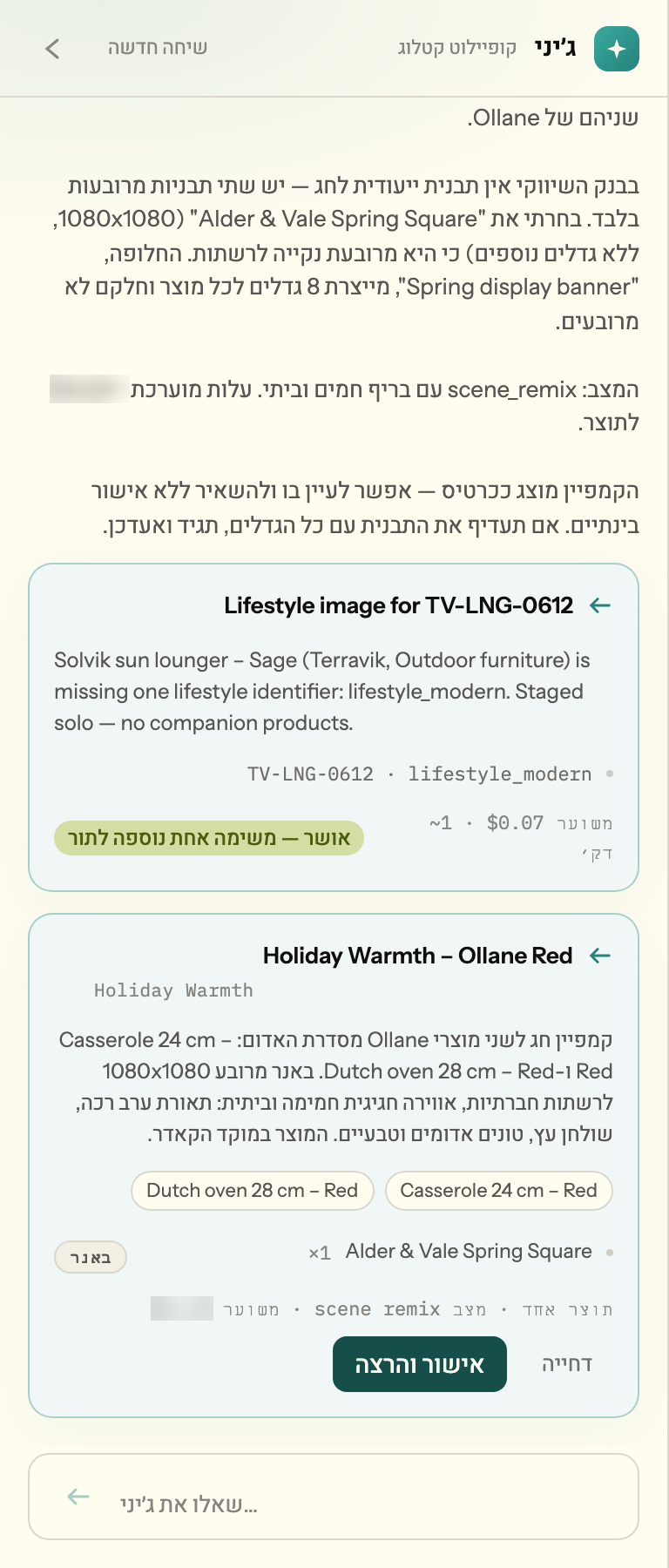
The agent cannot create work, spend on generation or touch storage on its own. Every session runs under a hard budget.
Your files never move
Already have a DAM? Keep it.
Genie reads its storage where it sits and adds the layer that knows what each SKU is missing.
During a generation job, downscaled reference images are sent to the generation engine. Nothing else leaves.
Thirty days, one storage source, a completeness number you can defend
A studio packshot is priced per SKU and scheduled weeks out; a lifestyle scene costs many times that; an agency bills every size adaptation. Genie classifies and generates for a small fraction of any of these, and every plan shows its estimated cost before you approve it, under a hard cap per session.
What we ask for. Read-only credentials to one storage source or a storefront URL, one brand-book PDF, one reviewer.
The questions your brand manager will ask
We already have a DAM.
Keep it. A DAM stores what you upload; it does not know that a SKU lacks a back three-quarter angle. Genie reads the files where they sit and adds that layer, and nothing is moved or renamed.
Will AI images damage our brand, and will our suppliers object?
Every output starts from the product's own photo, under that supplier's rules read from their brand book and enforced per generation. Nothing goes live until a person approves it, and every asset carries its lineage, so you can show a supplier exactly what was done and under which rules.
Our data is far too messy for automation.
Mess is the design centre. An analyst agent infers each supplier's naming convention, tests it against the full listing, and asks you to approve the rules before anything runs; uncertain matches go to a human queue and nothing is guessed.
You would need access to our storage.
Read-only, scoped credentials. Your files stay in your storage, generated outputs land in Genie's own storage, and nothing leaves except downscaled reference images sent to the generation engine for the duration of a job.
What does it actually cost per image?
Less than you are paying now, by a wide margin. Every plan shows its estimated cost before you approve it, every agent session runs under a hard budget you control, and pilot terms are agreed up front. Ask us for the current unit ranges.
See what your catalog is missing
Give Genie one storage source for thirty days: a completeness number you can defend, and campaign packs from the images your team approves.
Read-only access. Files are never moved or renamed.